Meet FlightLab, a new online home for your flights.
The (coming back soon) AltimeterThree can save them automatically to the cloud, where you can review, compare, share, print, and even add flights from other altimeters. It’s free for everyone who owns an AltimeterThree. Sign in with the same email you use in the AltimeterThree app and your flights are already there.
It’s launching soon, but until then, here’s a quick preview.
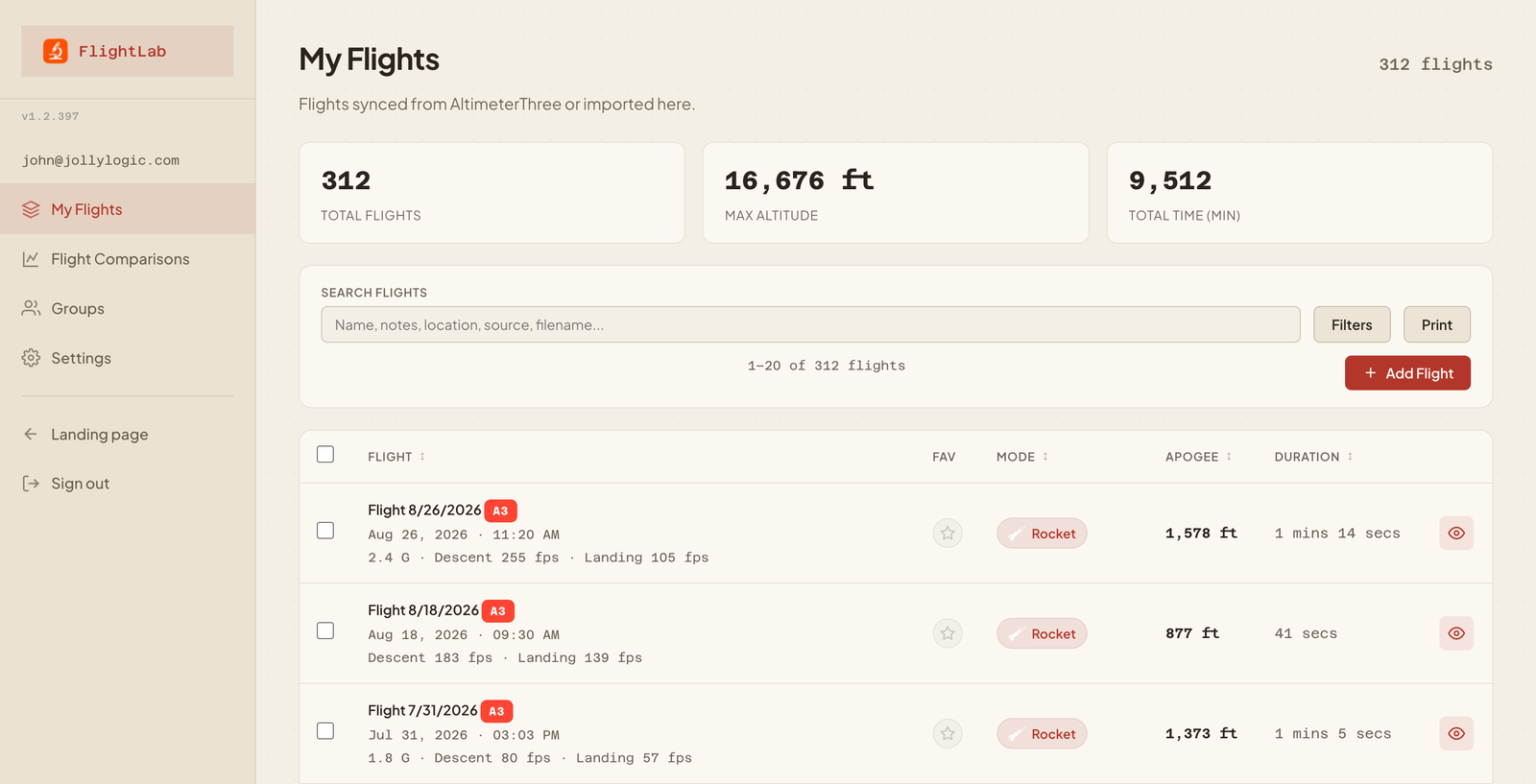
Your flights, synced
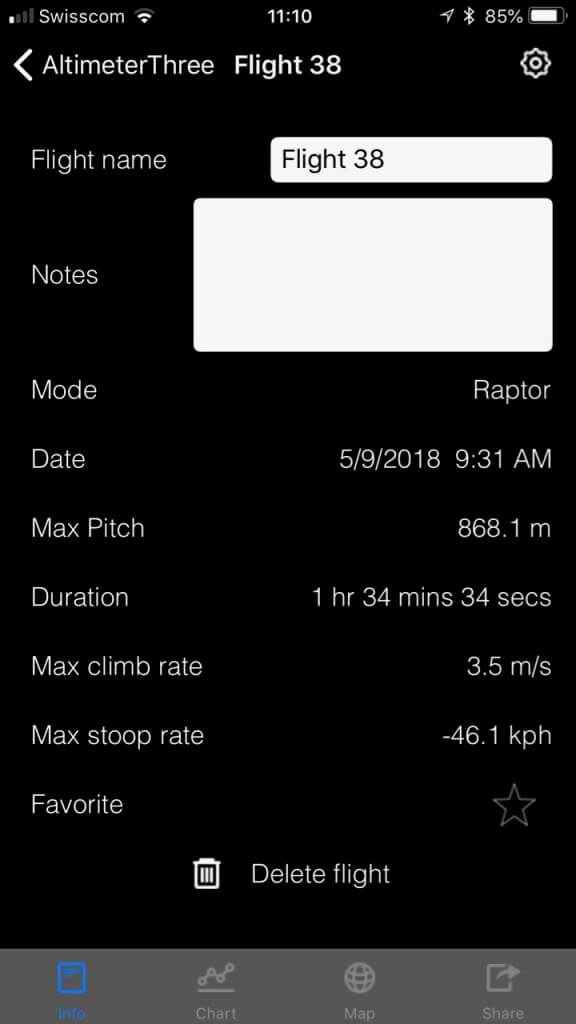
Your phone will grab flights from your AltimeterThree and save them to FlightLab automatically. or you can import or manually enter flights from other altimeters. FlightLab shows them in one list you can search, filter, sort, and mark as favorites. Rockets, gliders, drones, kites: whatever you fly.
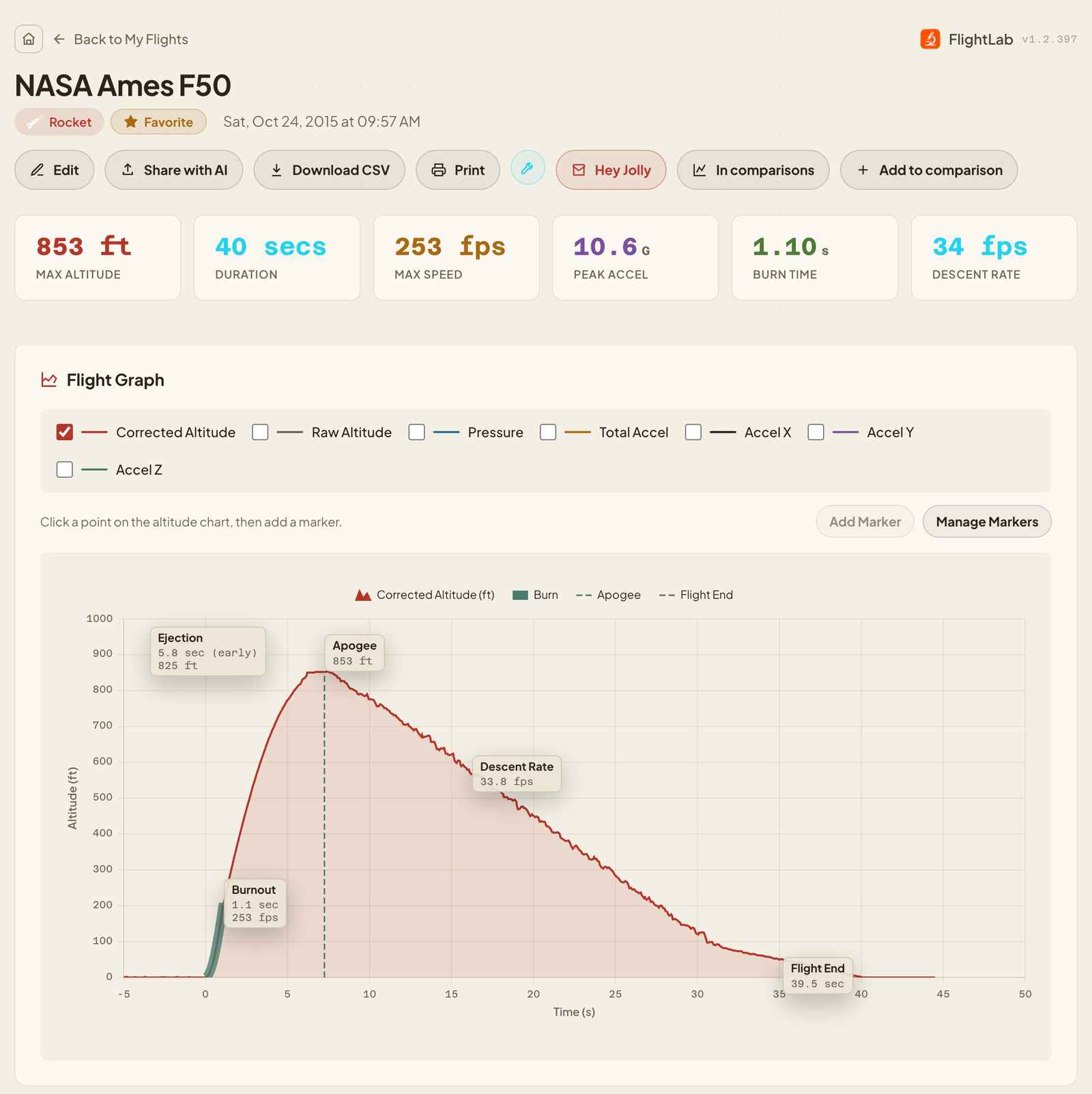
A closer look at each flight
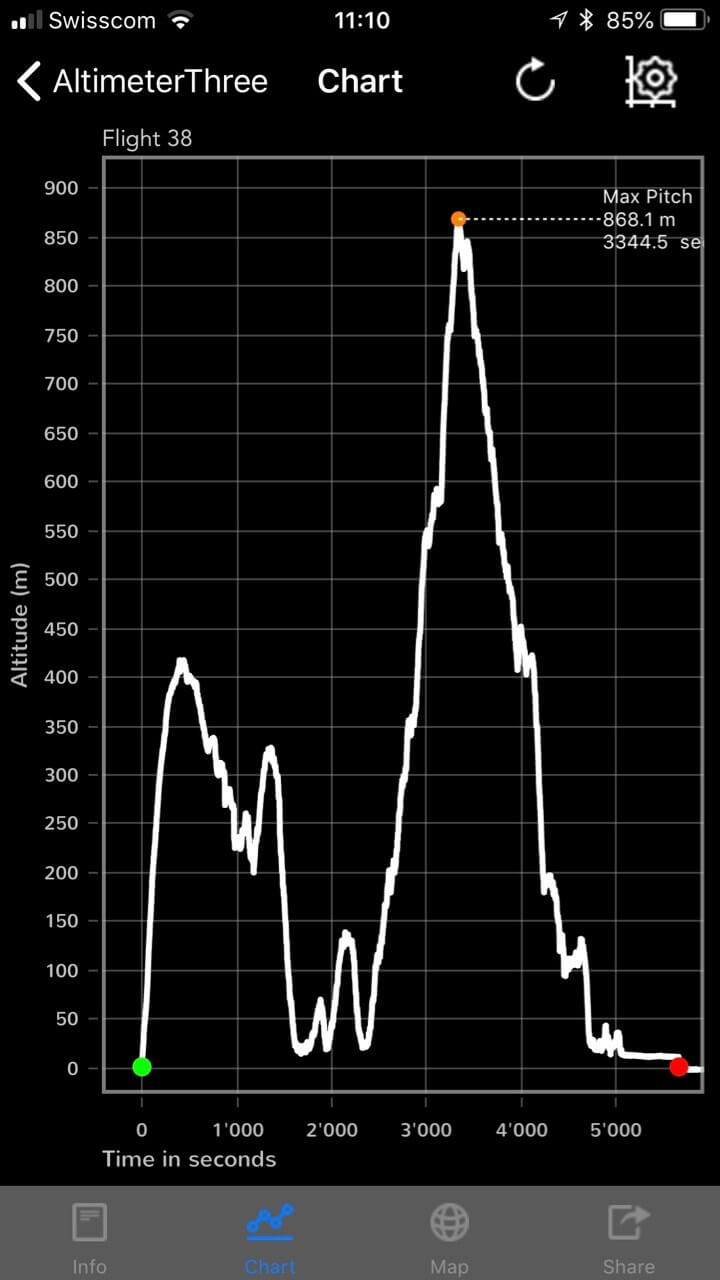
Open a flight for the full picture: altitude, speed, and acceleration charts, with burnout, apogee, ejection, and descent rate marked for you. These analyses are done automatically, but you can add your own markers and drag labels wherever you like.
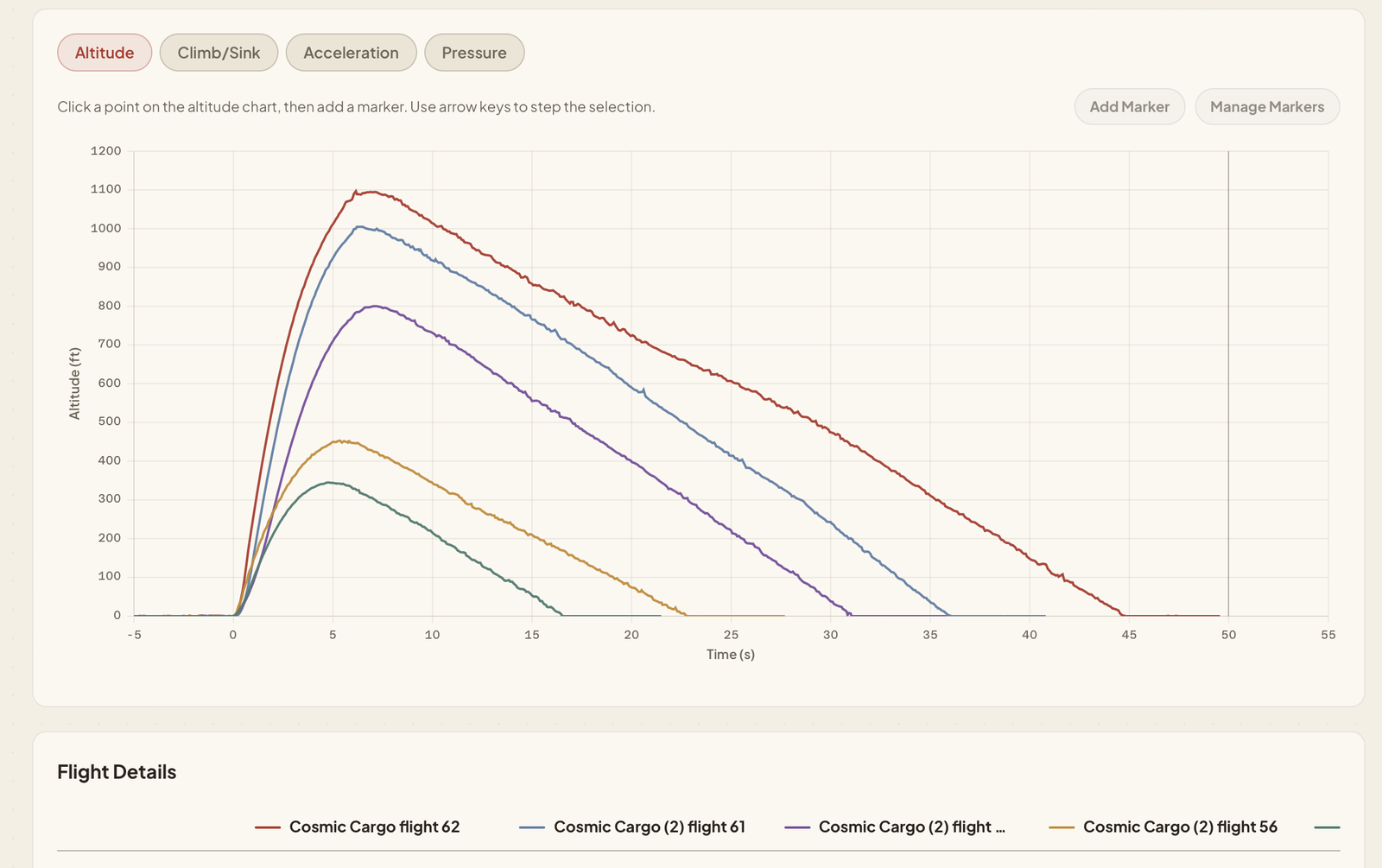
Compare flights
Pick two or more flights and overlay them on one chart, with the numbers side by side. Shift a flight in time to line up the liftoffs. Save the comparison to come back to it later.
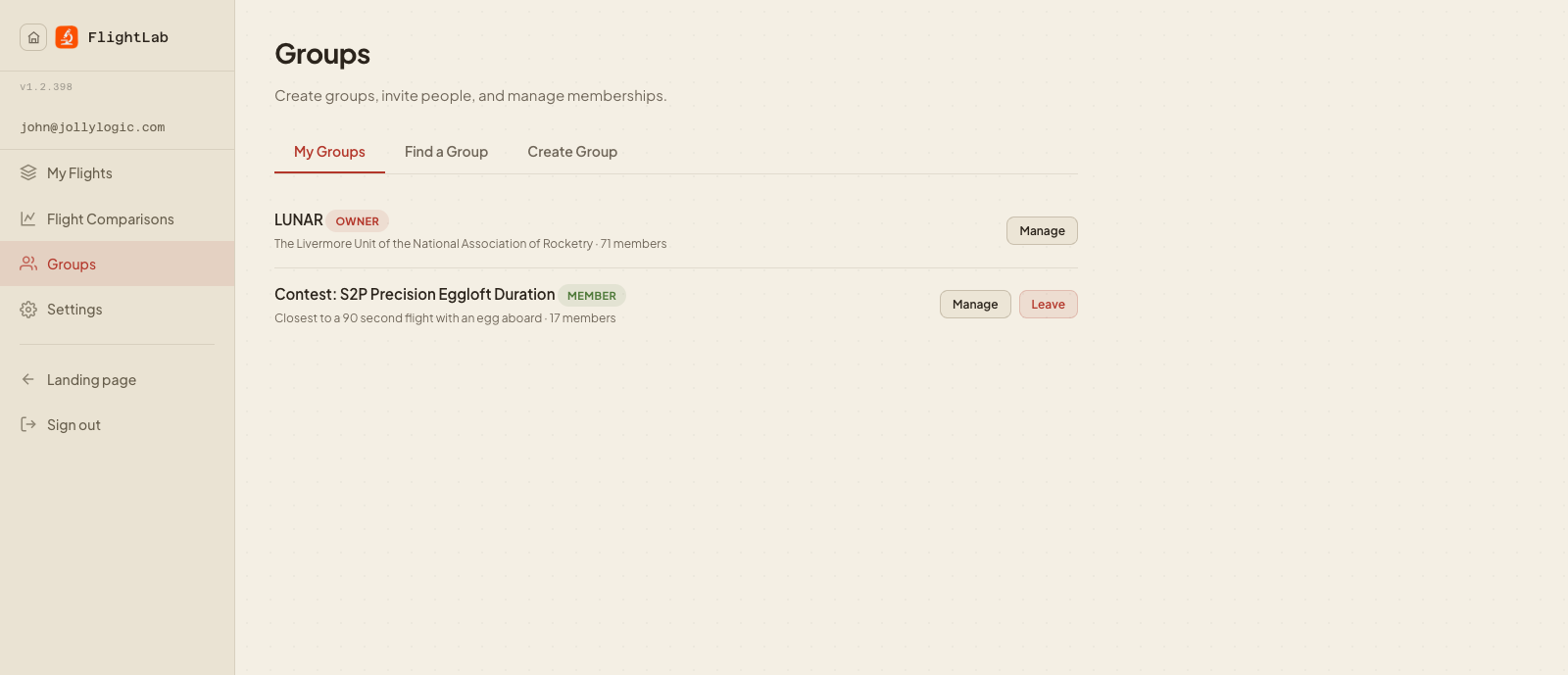
Share and work together
Create a group for your club, class, or contest, invite members by email, and share flights to it. Members see each other’s flights, ranked by apogee or duration, and can compare the whole group at once. Your flights stay yours; withdraw them from a group any time.
Reports
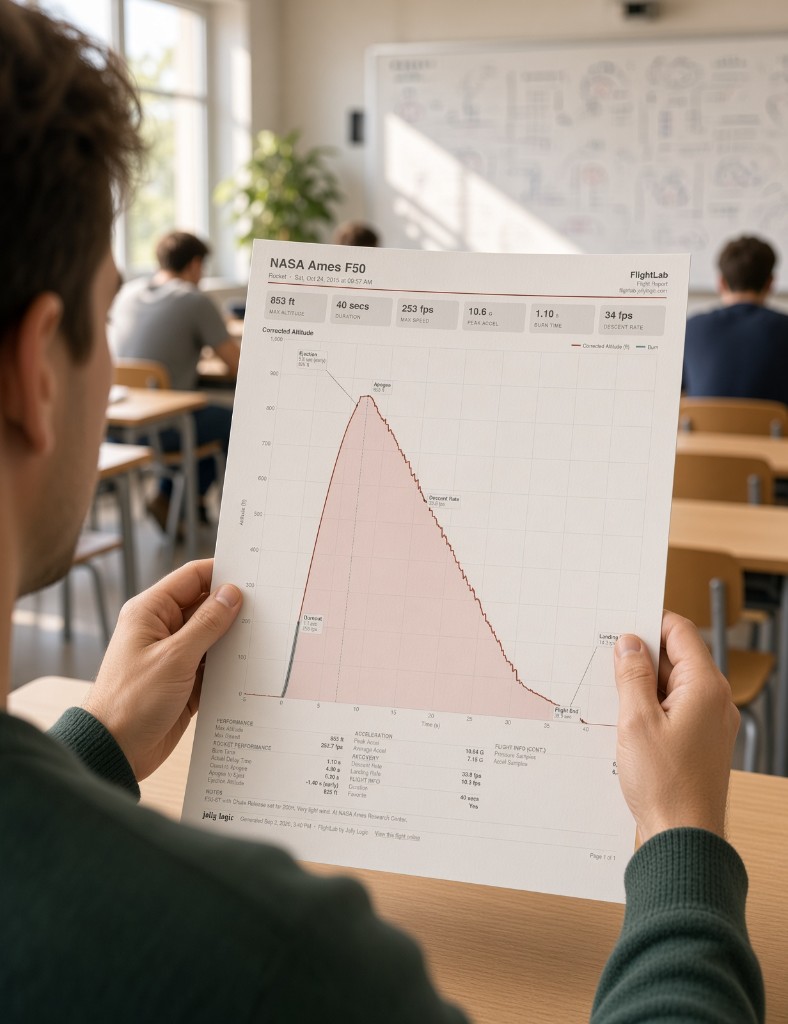
Print a flight report, a comparison, or a log of your flights as a PDF. It looks the same on every screen and every printer.
Your data, your way
Download any flight as a CSV file, or download a complete backup of your account as JSON.
Import from other altimeters
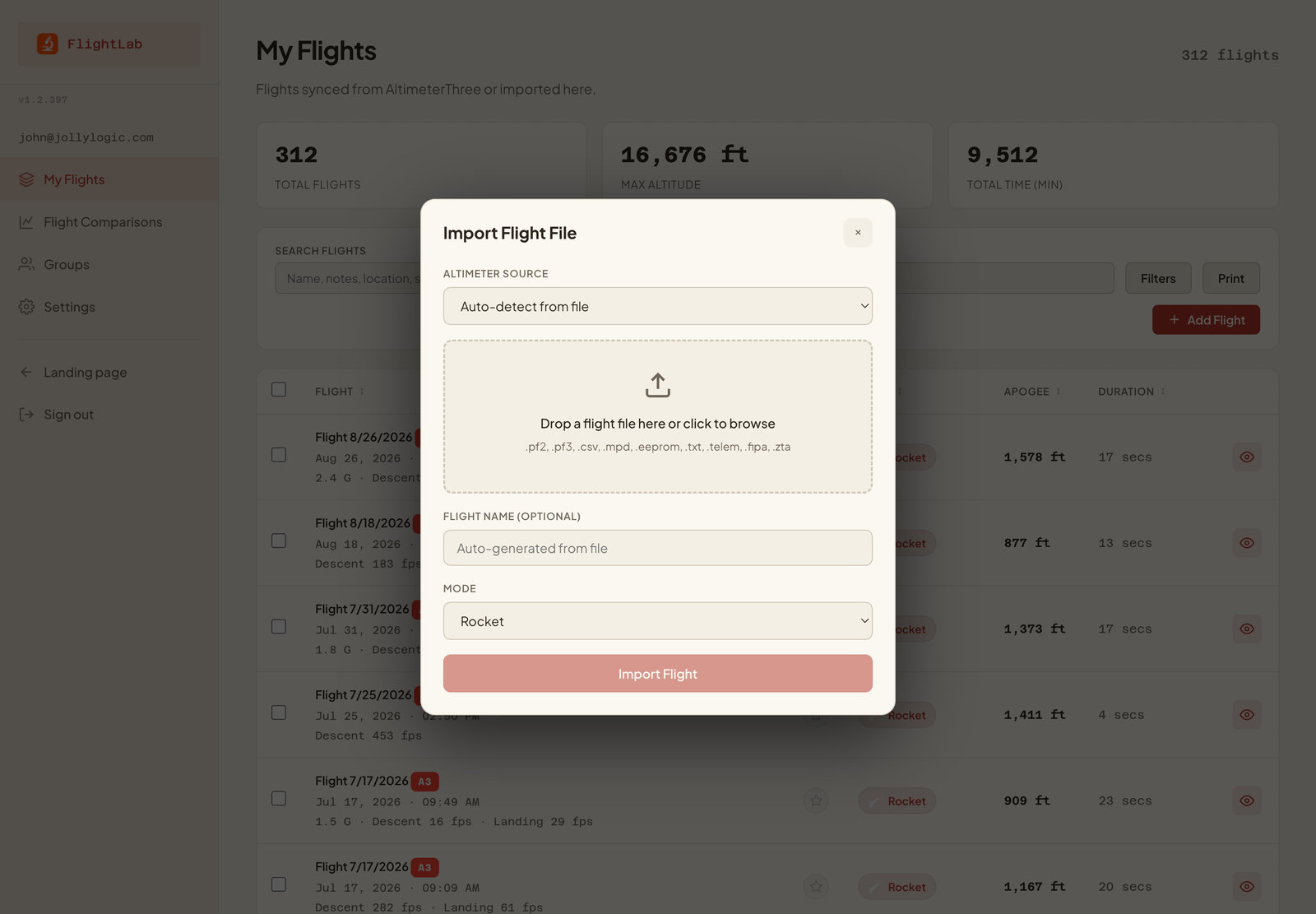
Have flights from other altimeters? FlightLab reads files from PerfectFlite, Altus Metrum, MicroPeak, Eggtimer, Featherweight, MissileWorks, FlightSketch, Altimeter Cloud Nano, and ZetaPost, so everything can live in one place.
AltimeterOne and AltimeterTwo, too
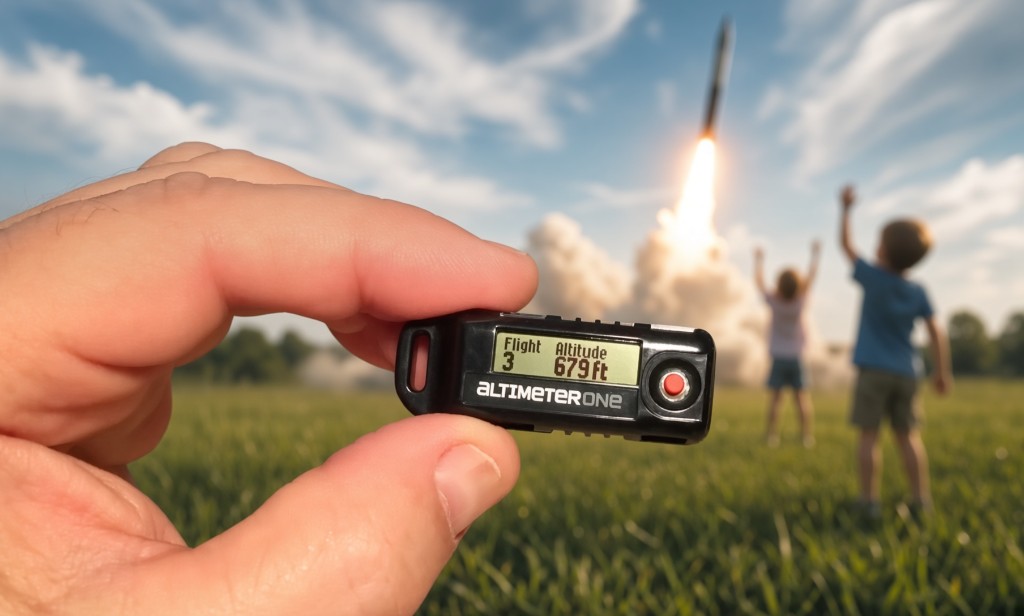
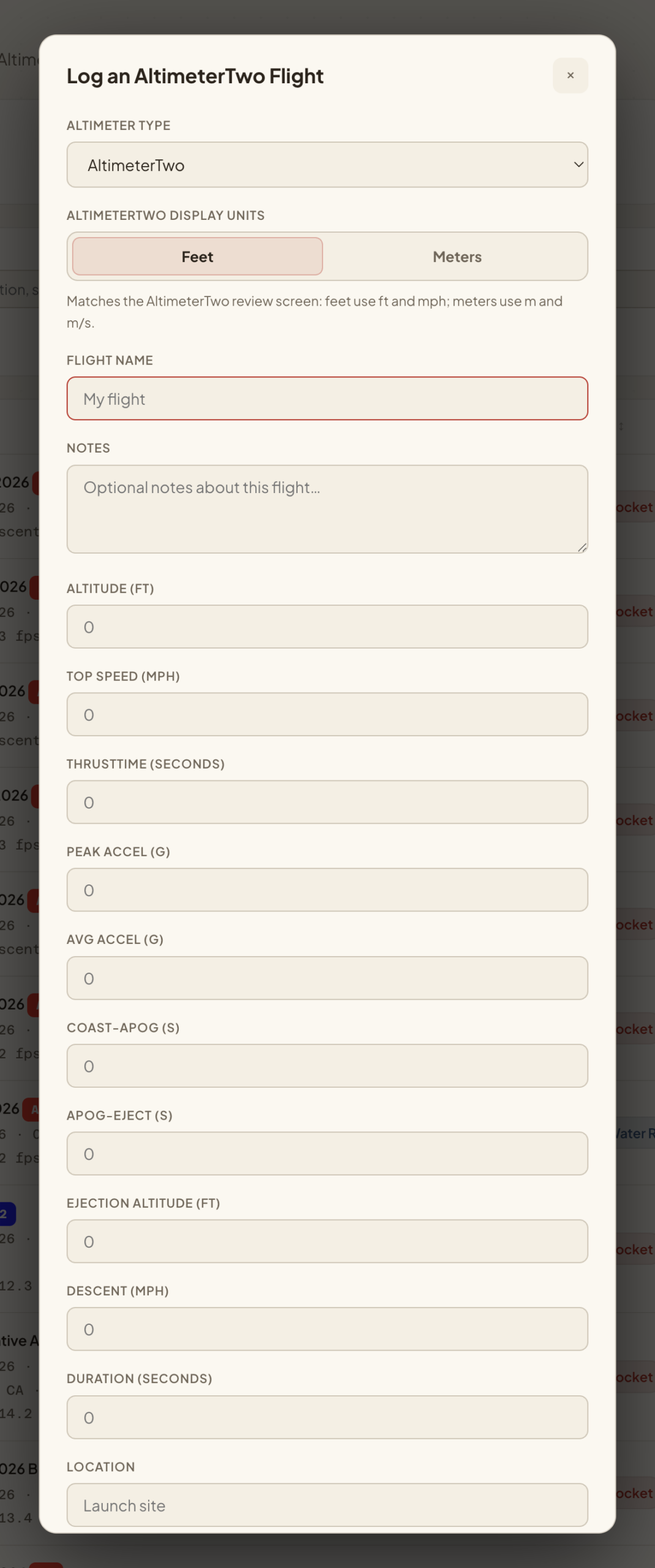
AltimeterOne and AltimeterTwo don’t download data, but you can log their flights by hand. The AltimeterTwo form follows the review screen on the device, so you type in the numbers in the same order you see them.
Questions?
Don’t have an AltimeterThree? FlightLab is $2 a month.
If you have questions, or ideas for what FlightLab should do next, email us at support@jollylogic.com. We’d love to hear how you use it.
LAUNCHING SOON